
How SEN Patterns works
The five steps
Step 1: Tell us about your childFree plan
A few short questions: what your child finds hard, what helps, how their day usually runs, and what you would most like help with. You answer them before you make an account, and most can be left blank.
It is how today’s support plan knows that a quiet space helps your child, or that bedtime is the hard part of the day.

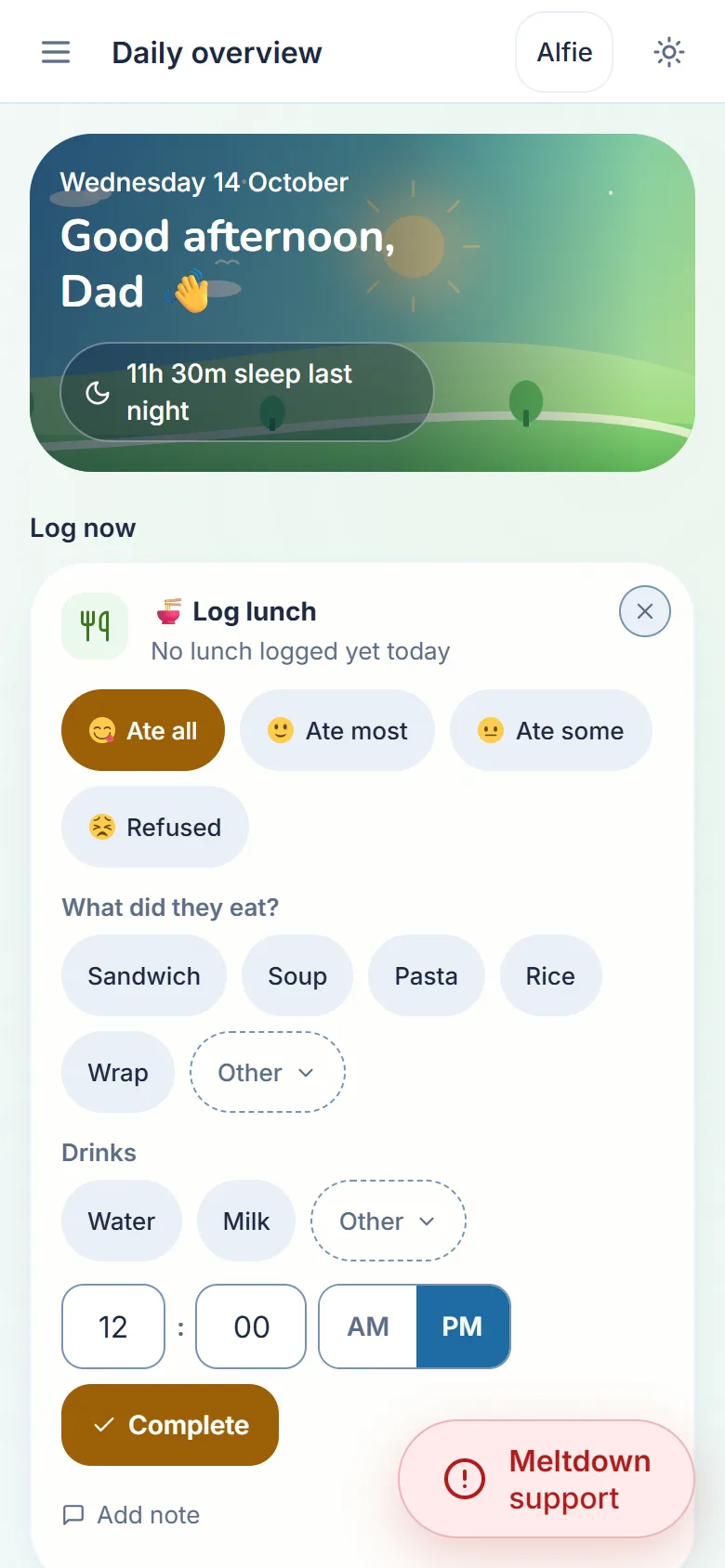
The website on a phone, from a demo account with a made-up child. Step 2: Log the day in a tap or twoFree plan
Sleep, meals, mood, behaviour and meltdowns, mostly with a tap or two, whenever you get a minute. Something you remember later goes in with the right date and time.
Missed a few days? That’s fine. Nothing here keeps score, and nothing nags you to come back.
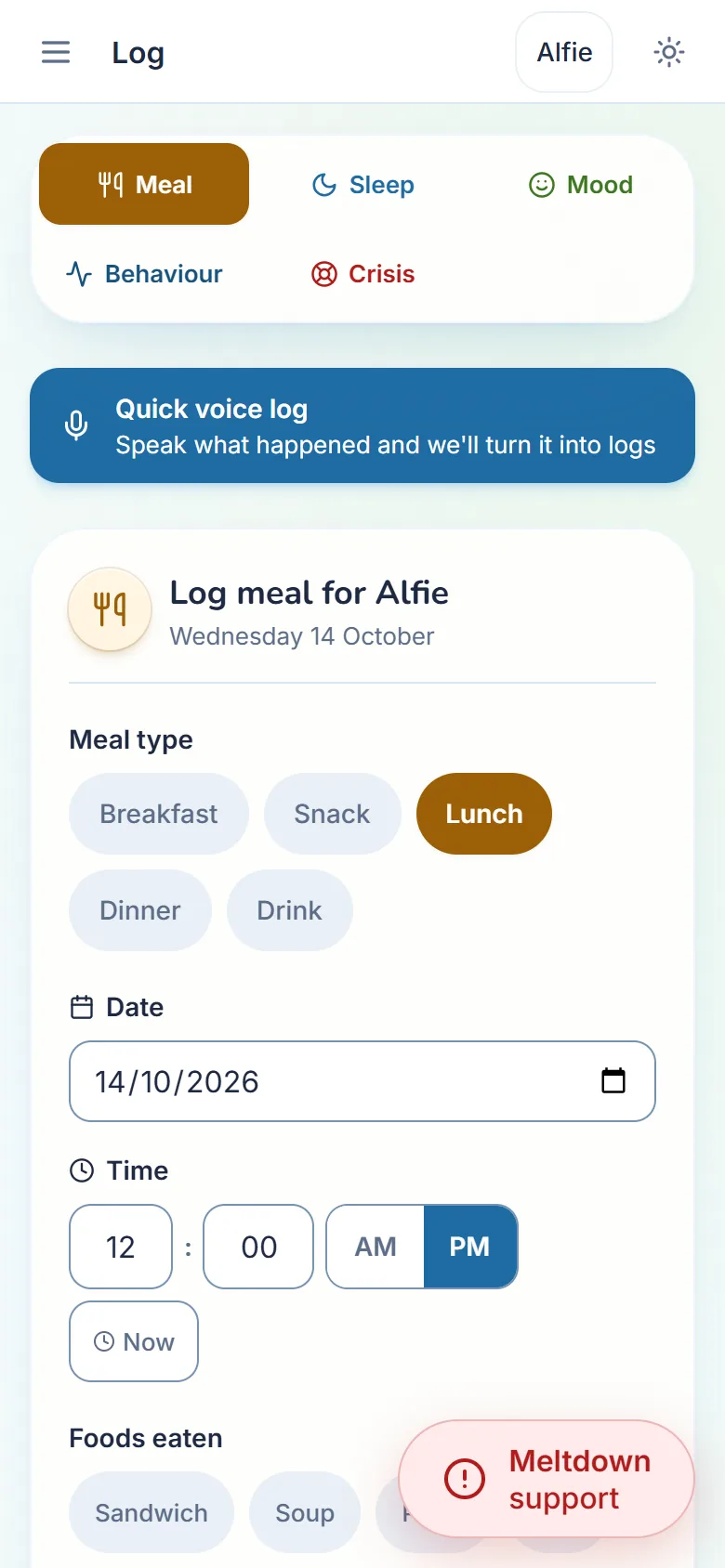
The website on a phone, from a demo account with a made-up child. Step 3: See what helpsFamily plan
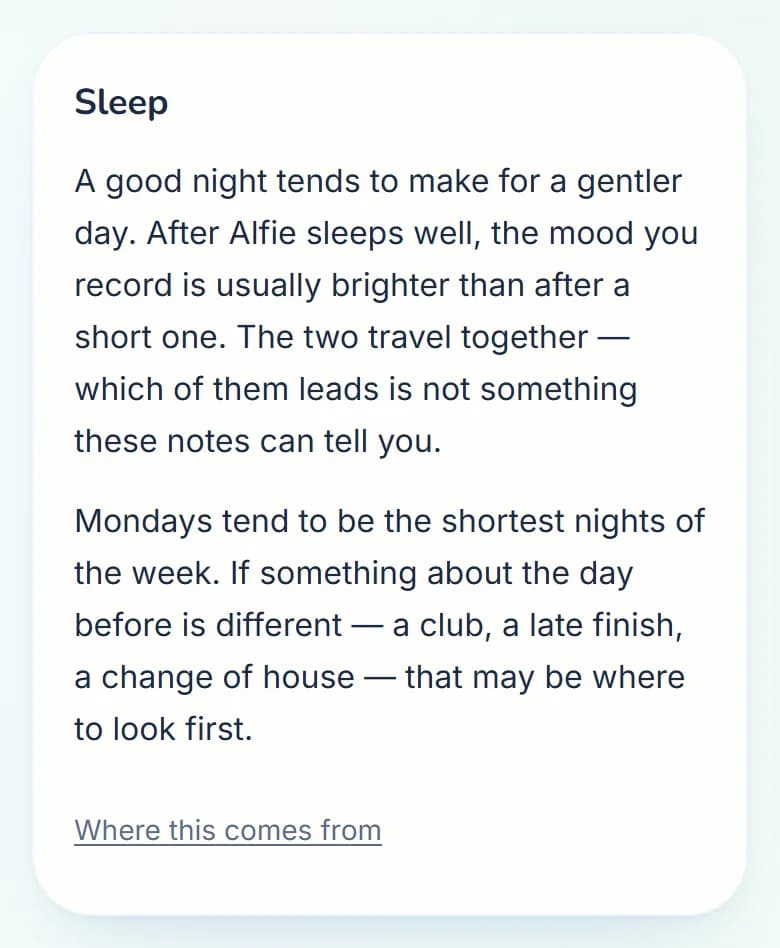
Once there is enough to go on, usually a couple of weeks, Patterns reads back what you’ve logged in plain words: how sleep and mood move together, which days are hardest, what seems to help.
It only ever says what is in your own logs. It never diagnoses or scores your child, and it’s your call whether a pattern fits.
From a demo account with a made-up child. Step 4: When it gets hardFree plan
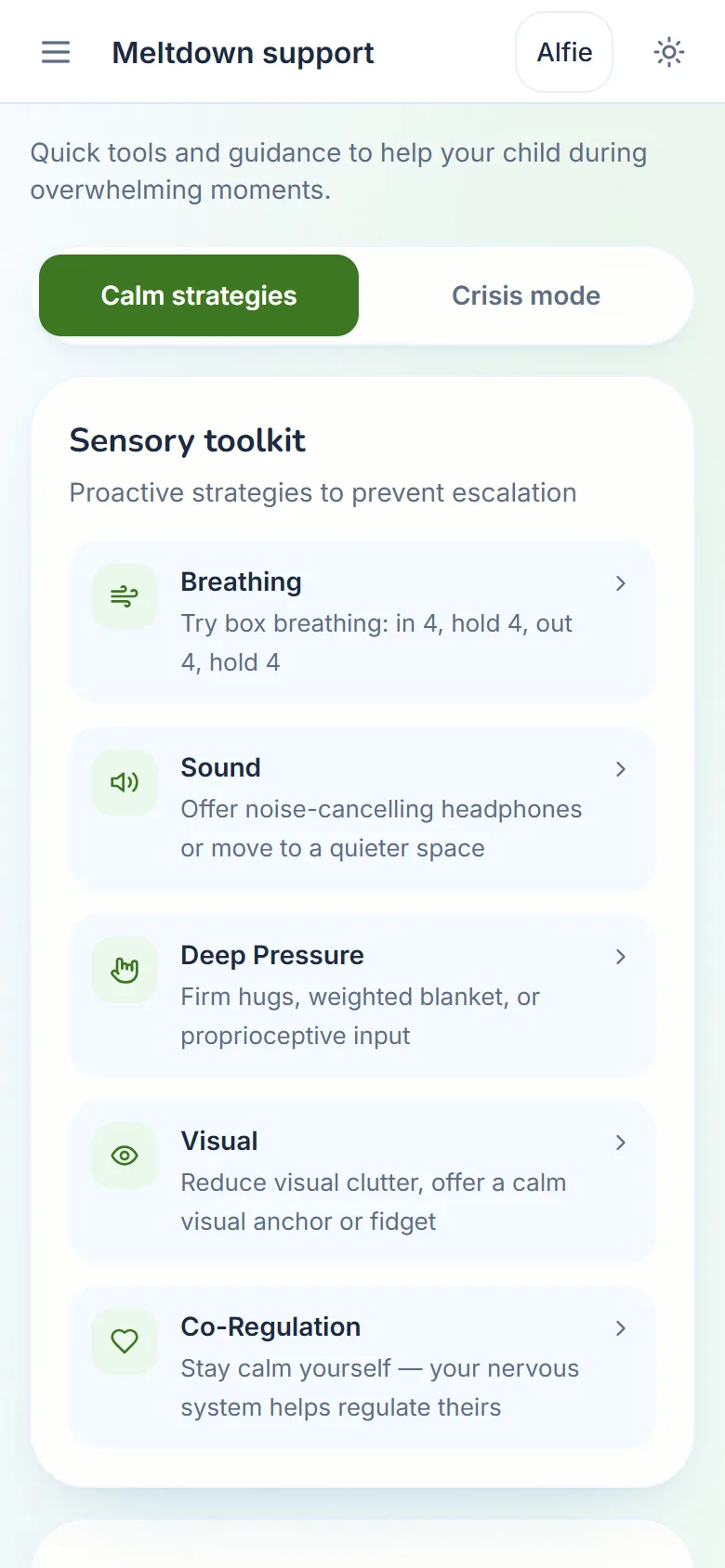
Meltdown support is one tap away on every screen: calm steps to follow, sensory tools, a breathing guide, communication cards that read themselves aloud, your own emergency contacts and the main UK helplines.
Free on every plan, always. It will never sit behind a price.
The website on a phone, from a demo account with a made-up child. Step 5: Take it to the meetingFree and Family plan
When a special educational needs co-ordinator (SENCO), your GP or child and adolescent mental health services (CAMHS) asks for examples, they are there, dated and clear.
Print a one-page profile of your child on any plan, or download everything you have ever logged. With Family, make a report for an appointment: you choose the child and the dates, and it comes out as a PDF.
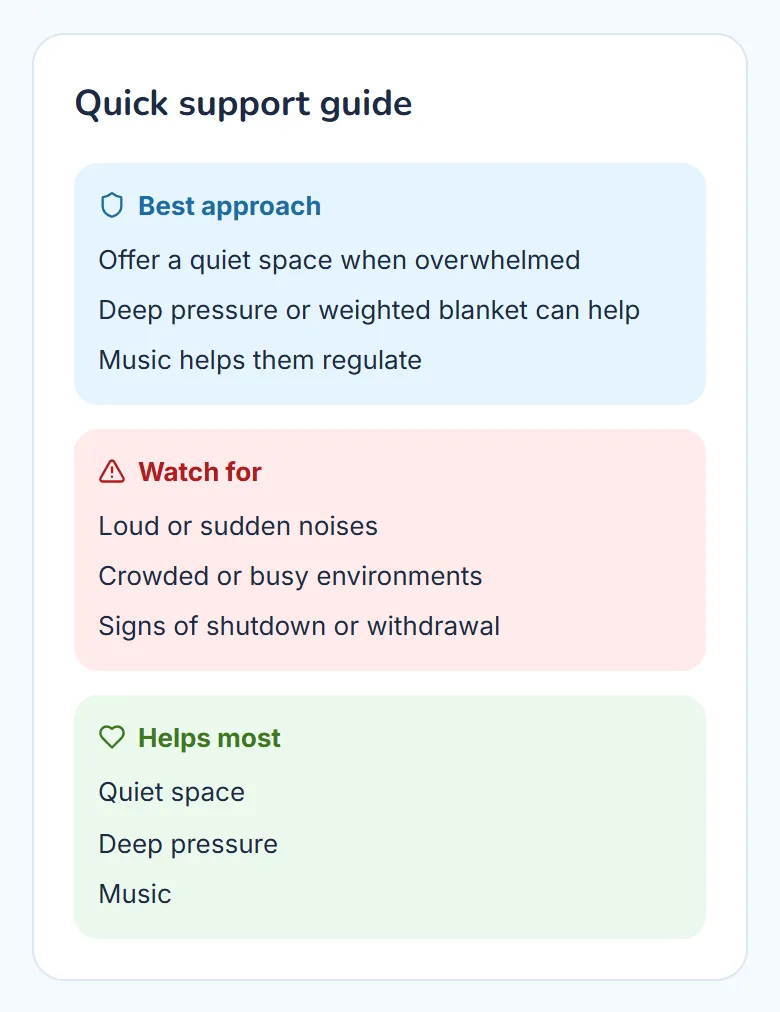
From a demo account with a made-up child.


Alongside all of that
- Bring in another carerFamily plan
Invite a partner, a co-parent or a grandparent. They see your child’s records and can add to them, so you are not the only one who knows how the week went.
- On the web today, your phone soon
SEN Patterns works in any web browser now, on a phone or a computer. Apps for iPhone and Android are coming soon, and everything you log carries across.
- Your information stays yours
The entries you log are stored in London. Your child never has an account. You can download everything or delete your account whenever you like, and we never sell your data or show adverts. How we look after it
- Built for tired days
Larger text, high contrast, less motion and a simpler view, all in Settings. Many cards and guides can also be read aloud.
Start with the first step
Tell us a little about your child. It takes a few minutes, and there is no card to give.